
Incidents are inevitable.
What separates resilient organisations from reactive ones is how incidents are reported, investigated, resolved, and learned from.
Across healthcare, social care, industrial services, and digital-first enterprises, incident management has become a core operational system and not a compliance checkbox.
Leaders need visibility. Teams need clarity. And organisations need evidence they can trust.
This guide reviews the best incident management software platforms in 2026, with a focus on tools that support real-world governance, accountability, and scale.
If you’re evaluating platforms and want to understand what actually works in practice, we put together this buyer’s guide for healthcare, regulated, and high-growth organisations.
TL;DR - our verdict
If you’re looking for end-to-end governance, continuous readiness, and incident management that connects to policies, training, audits, and reporting → Safe Workplace
If you need enterprise IT service workflows → ServiceNow (often paired with a governance platform like Safe Workplace)
If your focus is ethics, whistleblowing, and investigations → Navex
If you’re a fast-moving engineering or SaaS team → incident.io or Rootly
For healthcare and regulated organisations, incident management must go beyond response. It must create evidence, learning, and trust.
Why incident management software matters now
Traditional incident reporting systems were built for logging, not learning.
As organisations scale:
Incidents increase in volume and complexity
Manual follow-ups break down
Ownership becomes unclear
Leaders lose confidence in the data
Inspections become stressful, reactive events
Modern incident management software must:
Capture incidents where people already work
Guide investigations consistently
Trigger escalation automatically
Close the loop with aftercare and corrective actions
Turn activity into evidence leaders can act on
How We Evaluated These Platforms
Not all incident management software is built for the same reality. Some tools are optimised for IT outages. Others for whistleblowing. Others for simple reporting.
To fairly assess the platforms in this guide, we evaluated each one against six criteria that matter in complex, real-world organisations, where incidents don’t happen in isolation and governance can’t rely on best intentions alone.
1. Incident Lifecycle Coverage
Report → Investigate → Escalate → Resolve → Learn
Many tools focus heavily on the first step: reporting. Far fewer support the entire lifecycle, especially investigation, escalation, follow-up, and organisational learning.
In practice, risk accumulates not because incidents aren’t reported, but because:
Investigations stall
Escalations happen too late
Actions aren’t followed through
Learning never feeds back into policy or training
What we looked for:
Platforms that support the full incident journey, with clear ownership and accountability at every stage — not just a place to log events.
How Safe Workplace supports this:
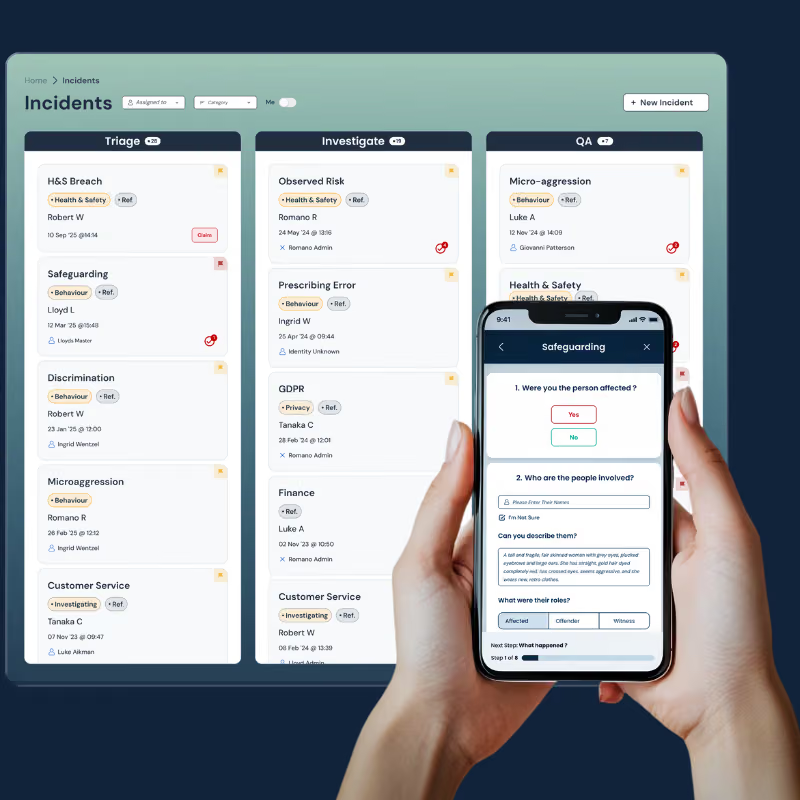
Safe Workplace is designed around the full incident lifecycle, ensuring incidents move from report to resolution with investigation, escalation, aftercare, and learning built in.
2. Multi-Channel Reporting
Web, mobile, Slack, Teams, WhatsApp, hotlines
Incidents don’t happen at desks, and people won’t always stop what they’re doing to fill in a form.
The more friction there is at the point of reporting, the more issues go unreported, or are reported too late.
Modern organisations need to meet people where they already work.
What we looked for:
Support for reporting incidents through multiple channels, without fragmenting data or losing structure.
How Safe Workplace supports this:
Safe Workplace enables incident reporting via web and mobile, as well as tools like Slack, Microsoft Teams, WhatsApp, and anonymous channels, all feeding into a single system of record.
3. Workflow Flexibility
Custom investigation and escalation flows
No two organisations investigate incidents the same way. A medication error, safeguarding concern, data breach, or workplace grievance all require different paths, roles, and controls.
Rigid, one-size-fits-all workflows force teams to work around the system, which is where inconsistency and risk creep in.
What we looked for:
The ability to design workflows that reflect how investigations actually happen, while still enforcing consistency and governance.
How Safe Workplace supports this:
Safe Workplace allows teams to configure investigation and escalation workflows based on incident type, severity, and organisational structure without hardcoding processes.
4. Data & Reporting
Dashboards, audit trails, and trend analysis
Having data is not the same as trusting it. Many platforms produce reports that are:
Out of date
Difficult to interpret
Detached from the underlying evidence
Leaders need insight they can rely on, especially when making decisions under scrutiny.
What we looked for:
Real-time dashboards, clear audit trails, and the ability to identify trends and recurring risks without manual analysis.
How Safe Workplace supports this:
Safe Workplace turns day-to-day incident activity into live reporting, giving leaders a clear, evidence-backed view of risk, performance, and accountability.
5. Integrations
HR, ITSM, communications, BI, identity systems
No incident management platform exists in isolation. Employee data lives in HR systems. Communication happens in Slack or Teams. Other operational data sits elsewhere.
Tools that don’t integrate create silos and duplication.
What we looked for:
Platforms that connect with existing systems and act as a unifying layer rather than forcing organisations to replace their stack.
How Safe Workplace supports this:
Safe Workplace integrates with HR systems, communication tools, and operational platforms, connecting incident data across the organisation into a single governance view.
6. Enterprise Readiness
Security, scalability, implementation support
Incident management is a core system. It must scale across sites, teams, and regions — and meet enterprise expectations around security, access control, and reliability.
Equally important is implementation: tools fail when adoption is poor or rollout is rushed.
What we looked for:
Evidence of enterprise-grade security, scalability, and realistic implementation support, not just feature depth.
How Safe Workplace supports this:
Safe Workplace is built for multi-site and regulated organisations, with structured onboarding, role-based access, and support for scaling governance without adding operational drag.
The 10 Best Incident Management Software Platforms in 2026
Safe Workplace
Best for: Healthcare, social care and care homes, multi-site enterprises, regulated organisations
Overview
Safe Workplace is a modern incident and case management platform designed for organisations that need confidence, consistency, and continuous oversight, not just a place to log incidents.
Unlike tools built purely for IT or engineering response, Safe Workplace treats incident management as part of a broader governance system, connecting incidents to policies, training, audits, risk, and reporting in one platform.
It is used across:
Healthcare providers
Care homes & social care
Medical device manufacturers
Large, multi-site enterprises
Digital-first & global organisations
What Safe Workplace covers
Multi-channel incident reporting
Incidents can be reported via:
Web and mobile forms
Slack and Microsoft Teams
WhatsApp
Anonymous or identified reporting
This dramatically lowers reporting friction and increases early visibility, especially for frontline staff.
Centralised investigations & case management
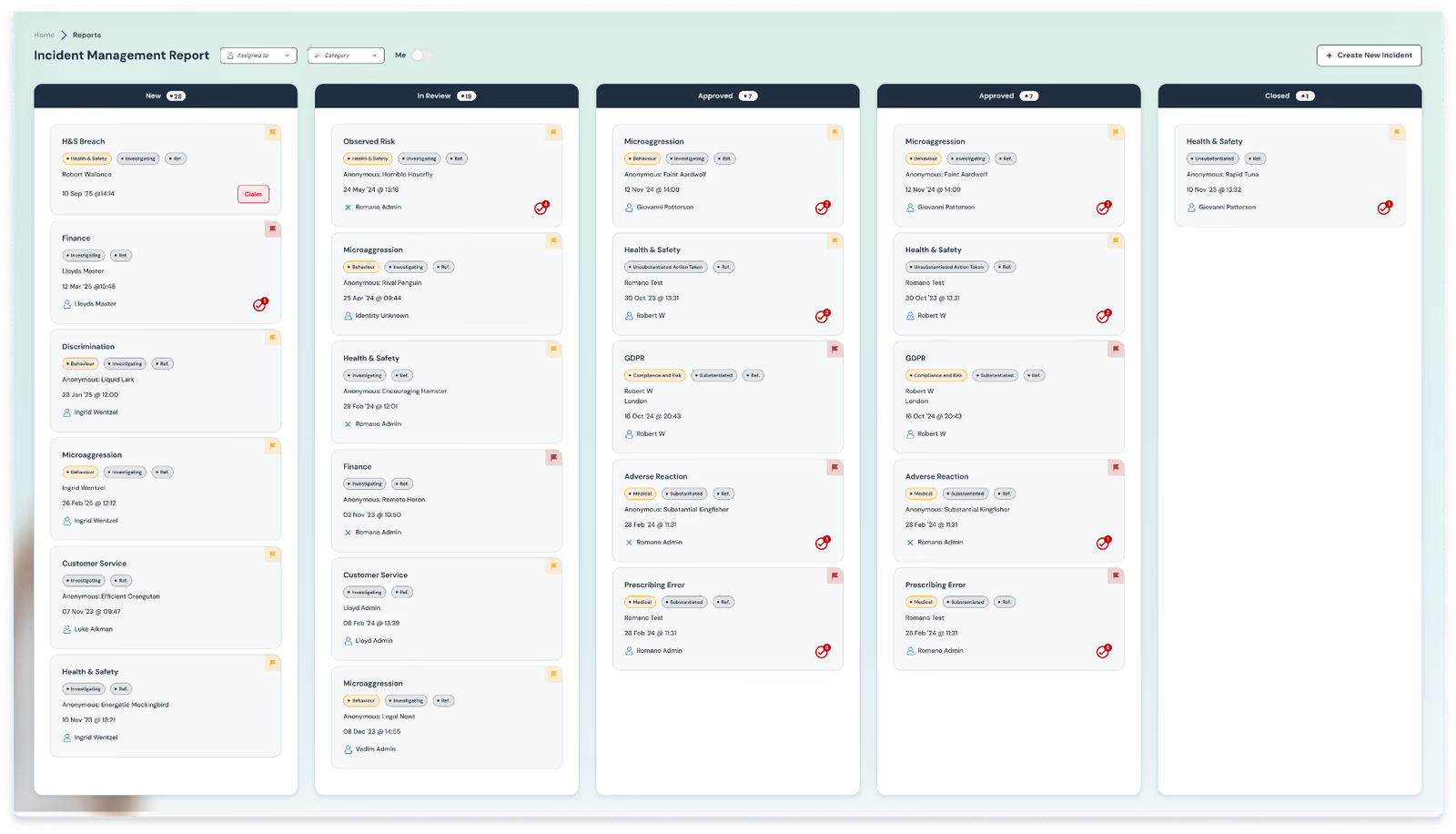
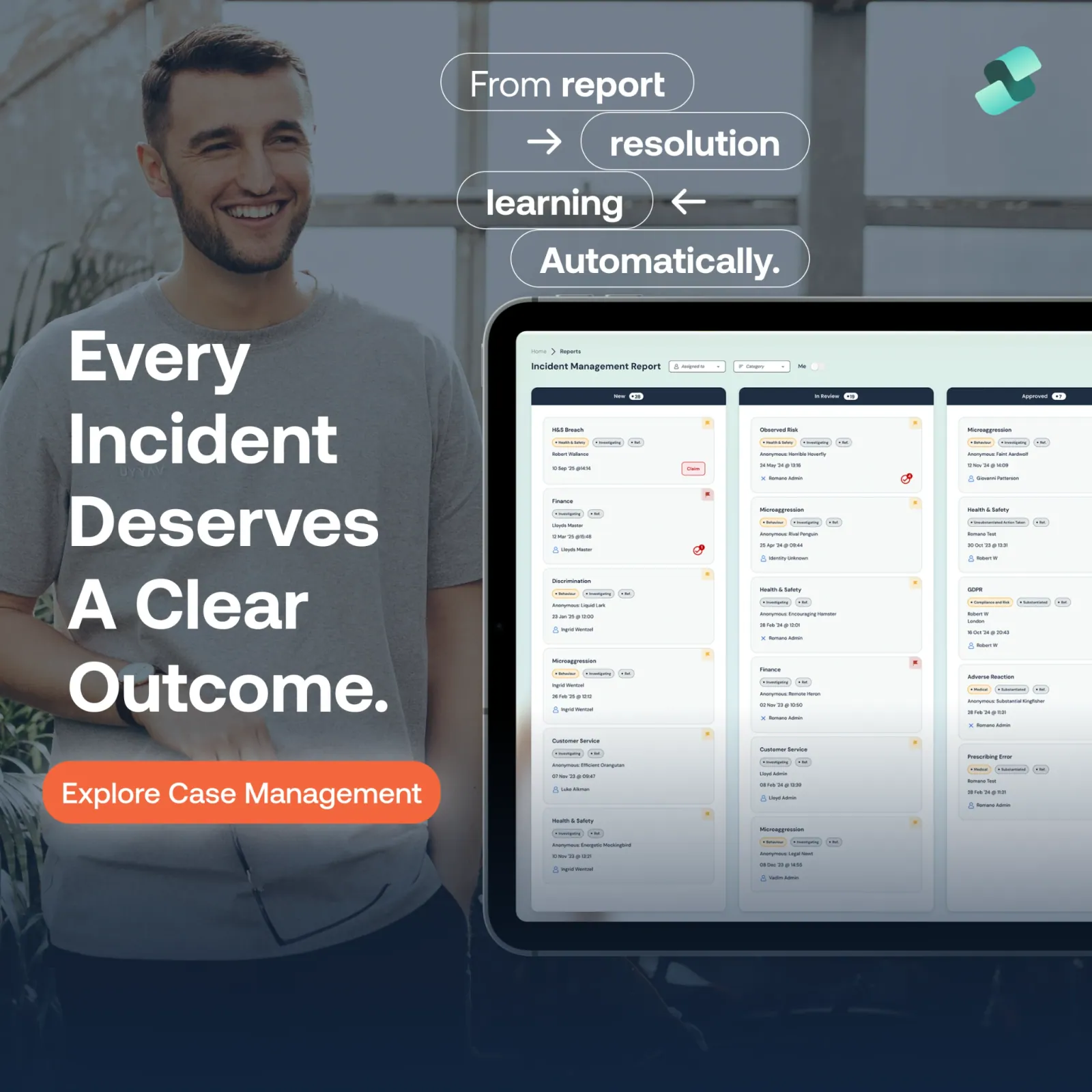
Every incident flows through a structured, configurable investigation process:
Custom triage and categorisation
Role-based ownership
Linked evidence and documentation
Clear status tracking across teams
Nothing lives in email. Nothing gets lost.
Automated escalation & notifications
Escalations are rule-based and automatic:
Severity thresholds
Time-based SLAs
Role- and site-based routing
Notifications are pushed to:
Slack
Microsoft Teams
Email
WhatsApp
This ensures action happens without inbox chasing.
Aftercare & corrective action workflows
Safe Workplace doesn’t stop at “case closed”.
You can:
Assign corrective actions
Track completion and accountability
Link actions to policy updates or training
Prove follow-through during inspections
Data-driven insights leaders can trust
Executives and governance teams get:
Real-time dashboards
Trend analysis across incidents, sites, and categories
Evidence-ready audit trails
Reporting that reflects what’s actually happening, not lagging summaries
Integrated governance ecosystem
Safe Workplace integrates with:
HR systems (Workday, BambooHR, Sage)
Communication tools (Slack, Teams)
ITSM and GRC platforms (including ServiceNow)
BI and reporting tools
Rather than replacing everything, Safe Workplace connects the ecosystem.
Who Safe Workplace is best for
Healthcare & hospital systems managing quality, safety, and compliance
Care groups needing consistency across homes
Medical device manufacturers under ISO and regulatory pressure
Multi-site enterprises balancing autonomy with control
Digital-first organisations handling high incident volume across regions
Pros
End-to-end incident lifecycle with governance built in
Excellent for inspections, audits, and evidence
Strong integrations and automation
Designed for regulated, high-risk environments
Cons
Requires process thinking to unlock full value
Pricing varies based on scale and modules
Pricing
Modular, organisation-based pricing starting from £500 p/m, per module. Typically mid-market to enterprise, depending on sites, users, and integrations.
👉 See how Safe Workplace would handle an incident in your organisation.
ServiceNow
Best for: Enterprise IT service management environments
Overview
ServiceNow is a powerful enterprise workflow platform, widely used for ITSM and enterprise service delivery.
It offers robust incident tracking within IT and operational contexts but is not purpose-built for governance, quality, or healthcare compliance.
Safe Workplace is often used alongside ServiceNow to handle governance, investigations, and assurance while ServiceNow manages IT workflows.
Who it’s best for
Large enterprises
IT and service management teams
Organisations already standardised on ServiceNow
Pros
Highly configurable
Scales extremely well
Strong enterprise adoption
Cons
Complex to implement
Not healthcare- or governance-native
Expensive to customise for non-IT use cases
Navex
Best for: Ethics, whistleblowing, investigations
Overview
Navex is well known for ethics, compliance, and whistleblowing solutions, with strong investigation workflows.
It is often used for HR and legal-led cases, rather than operational or safety incidents.
Who it’s best for
Corporate ethics & compliance teams
HR and legal departments
Organisations with whistleblowing requirements
Pros
Strong investigation tooling
Established compliance reputation
Can be used alongside Safe Workplace
Cons
Limited operational insight
Less focus on learning and prevention
Can feel siloed from day-to-day operations
incident.io
Best for: Engineering and DevOps teams
Overview
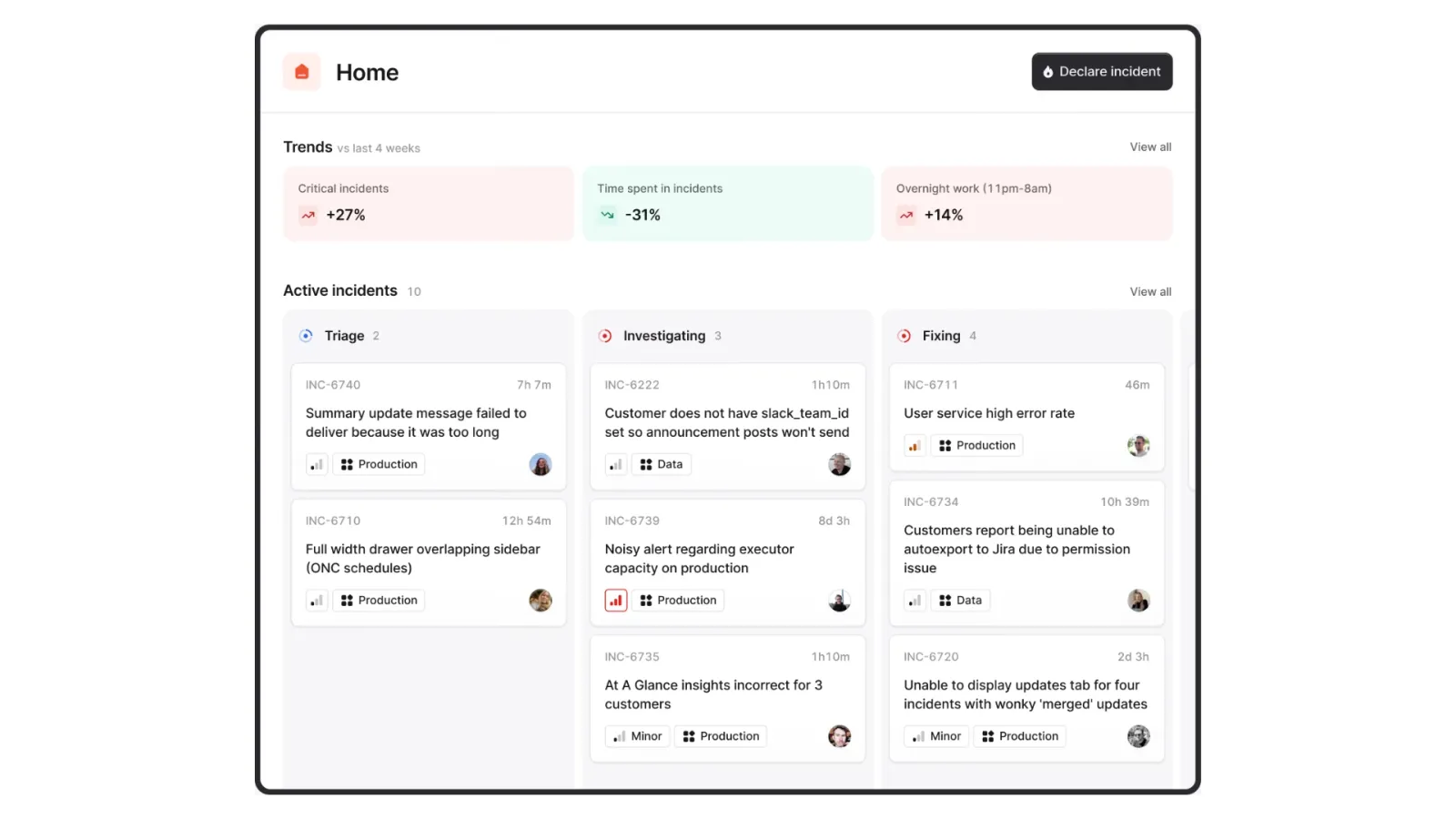
incident.io is designed for real-time incident response in software teams, deeply integrated with Slack.
Who it’s best for
SaaS engineering teams
DevOps and SRE functions
Pros
Excellent real-time coordination
Strong Slack-native experience
Cons
Not suitable for governance or compliance
No audit or inspection readiness
Freshworks
Best for: IT support and internal service desks
Overview
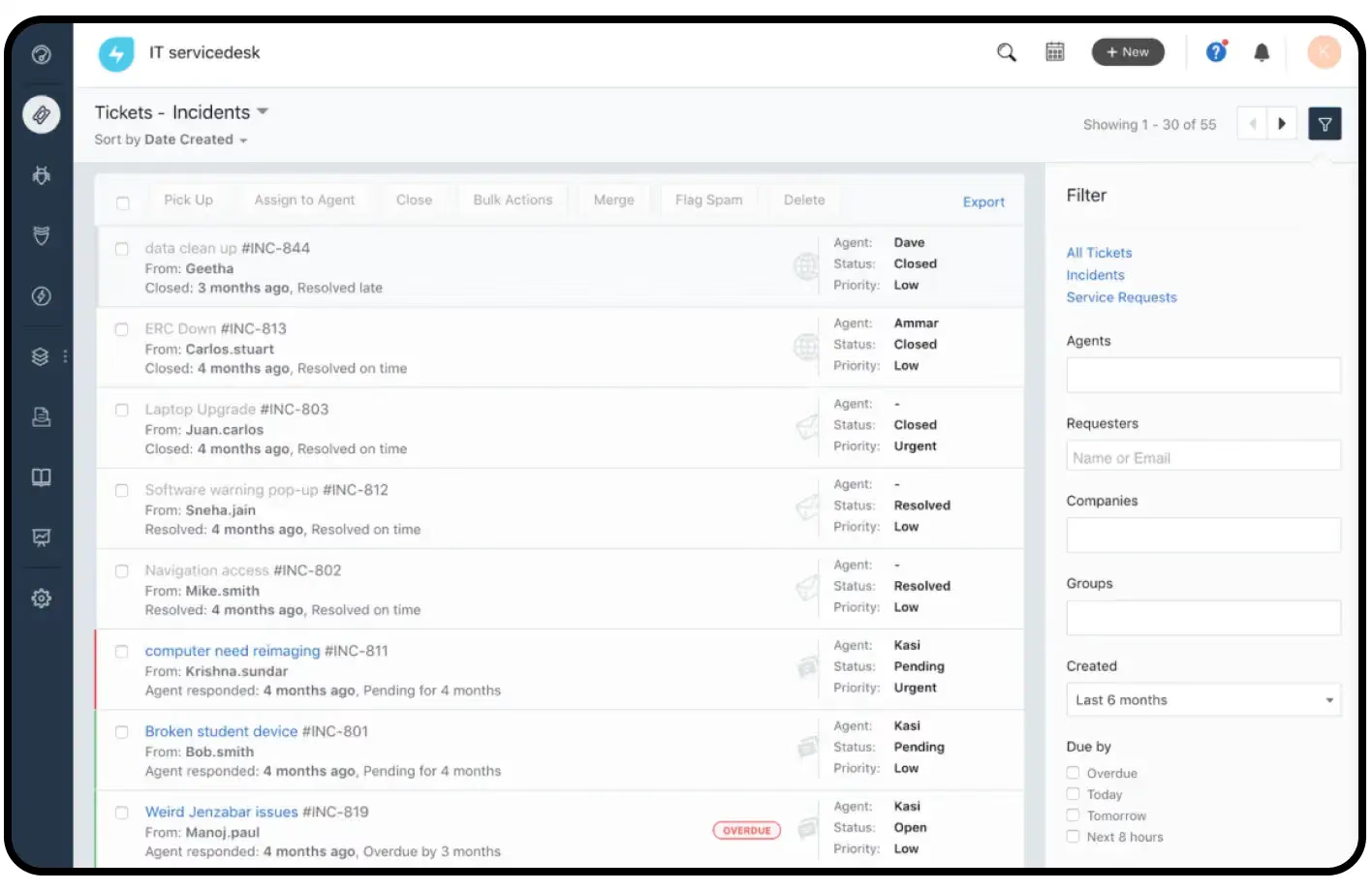
Freshworks provides ITSM and customer support tools that include basic incident tracking.
Who it’s best for
IT support teams
Internal service desks
Pros
Easy to use
Fast to deploy
Cons
Limited governance depth
Not designed for regulated environments
Preparis
Best for: Business continuity & crisis response
Overview
Preparis focuses on crisis management and business continuity rather than day-to-day incident handling.
Who it’s best for
Crisis management teams
Business continuity planning
Pros
Strong emergency response tooling
Cons
Not a full incident management system
Limited investigation and learning features
Rootly
Best for: Modern engineering organisations
Overview
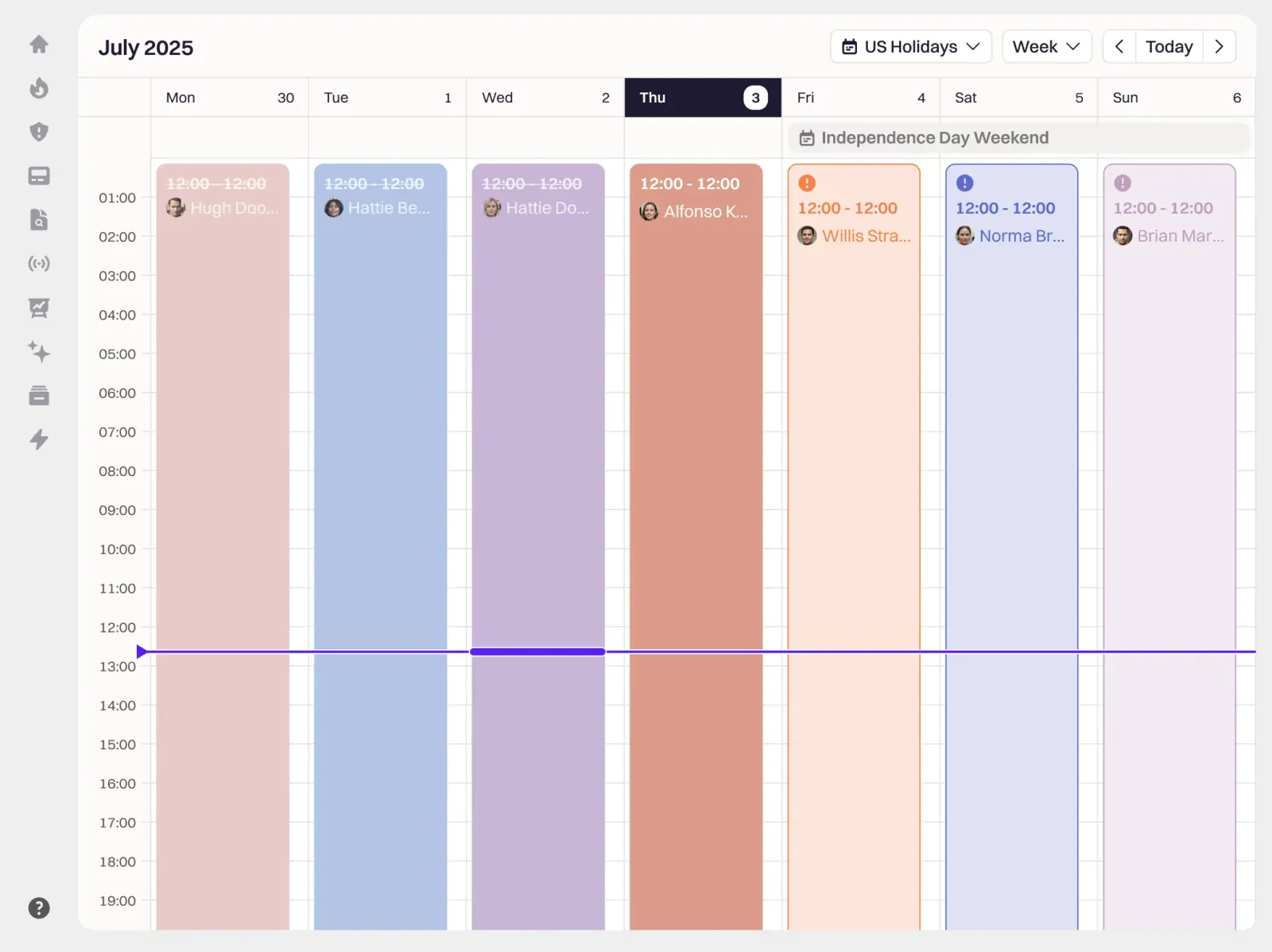
Rootly is a Slack-native incident response tool similar to incident.io.
Who it’s best for
Engineering and DevOps teams
Pros
Fast incident response
Strong automation
Cons
Not suitable for compliance-heavy industries
No governance layer
Radar Healthcare
Best for: Healthcare quality & risk teams
Overview

Radar Healthcare is a well-known healthcare risk and quality platform used by many providers.
It supports incident reporting, audits, and quality workflows, particularly in the UK healthcare sector.
Who it’s best for
NHS trusts
Healthcare providers focused on quality management
Pros
Healthcare-specific features
Familiar in regulated settings
Cons
Can feel complex and admin-heavy
Limited flexibility compared to newer platforms
👉 (We put together a comprehensive Radar Healthcare alternatives guide over here.)
Betterstack
Best for: Infrastructure monitoring and alerts
Overview
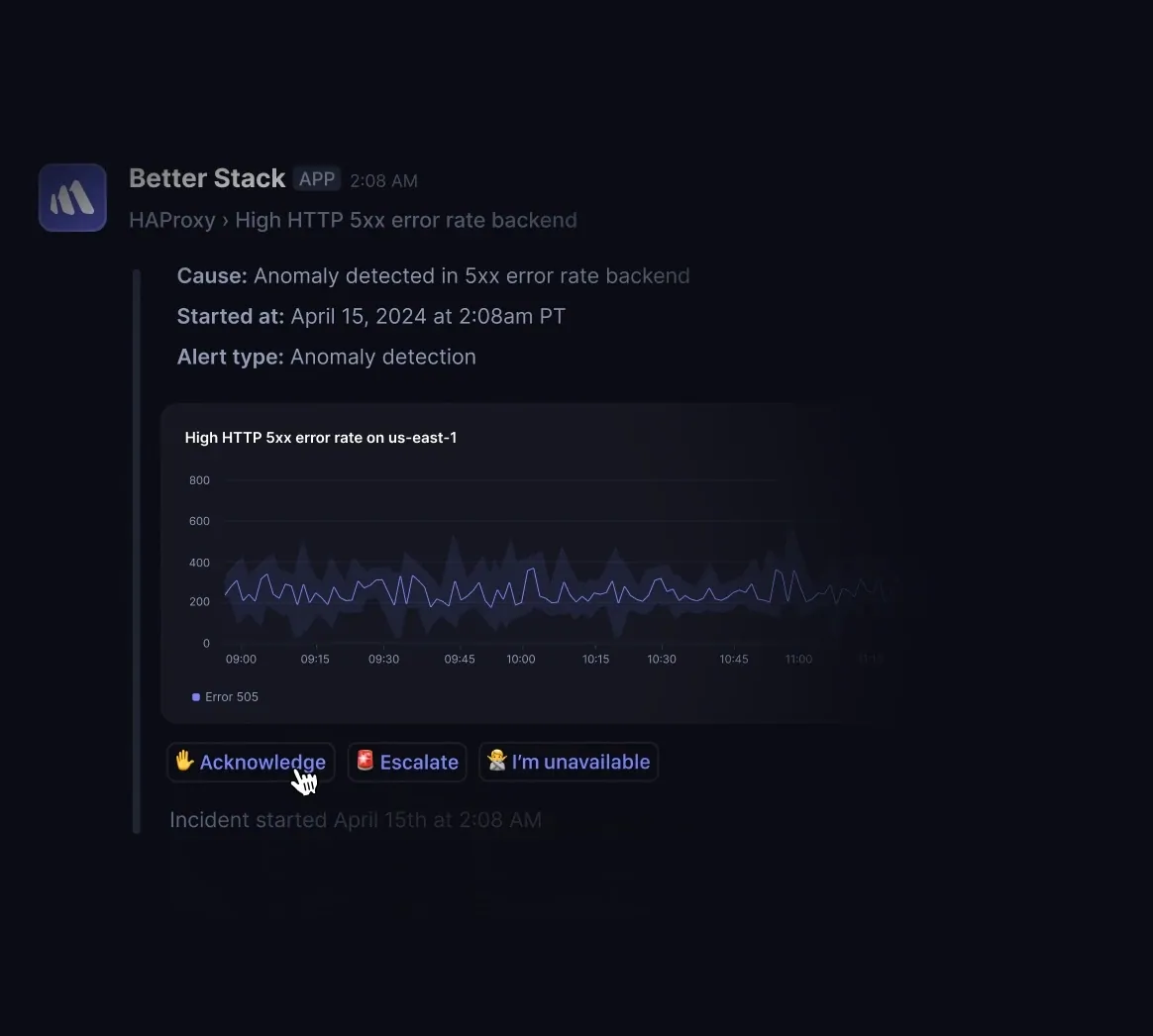
Betterstack focuses on uptime monitoring and alerting rather than organisational incident governance.
Who it’s best for
DevOps and infrastructure teams
Pros
Strong monitoring
Simple setup
Cons
Not an incident management system in the governance sense
No investigations or compliance workflows
SysAid
Best for: IT service management
Overview
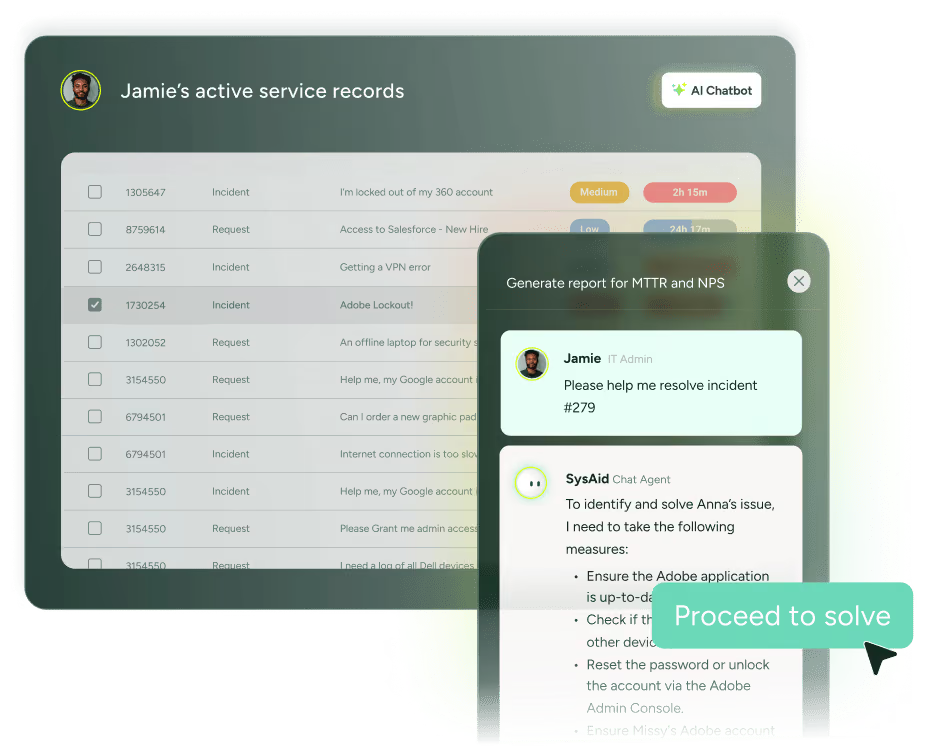
SysAid provides ITSM tools with incident logging features.
Who it’s best for
IT departments
Internal support teams
Pros
Affordable ITSM option
Straightforward ticketing
Cons
Limited beyond IT use cases
No governance or compliance depth
How to choose the right incident management software
When comparing tools, ask:
Does this reduce admin or add to it?
Can leaders see trends, not just tickets?
Are investigations consistent across teams?
Does escalation happen automatically?
Can we prove learning and improvement?
Will this integrate with what we already use?
If the answer is “no” to more than one, keep looking.
Choose the Best Incident Management Platform for You
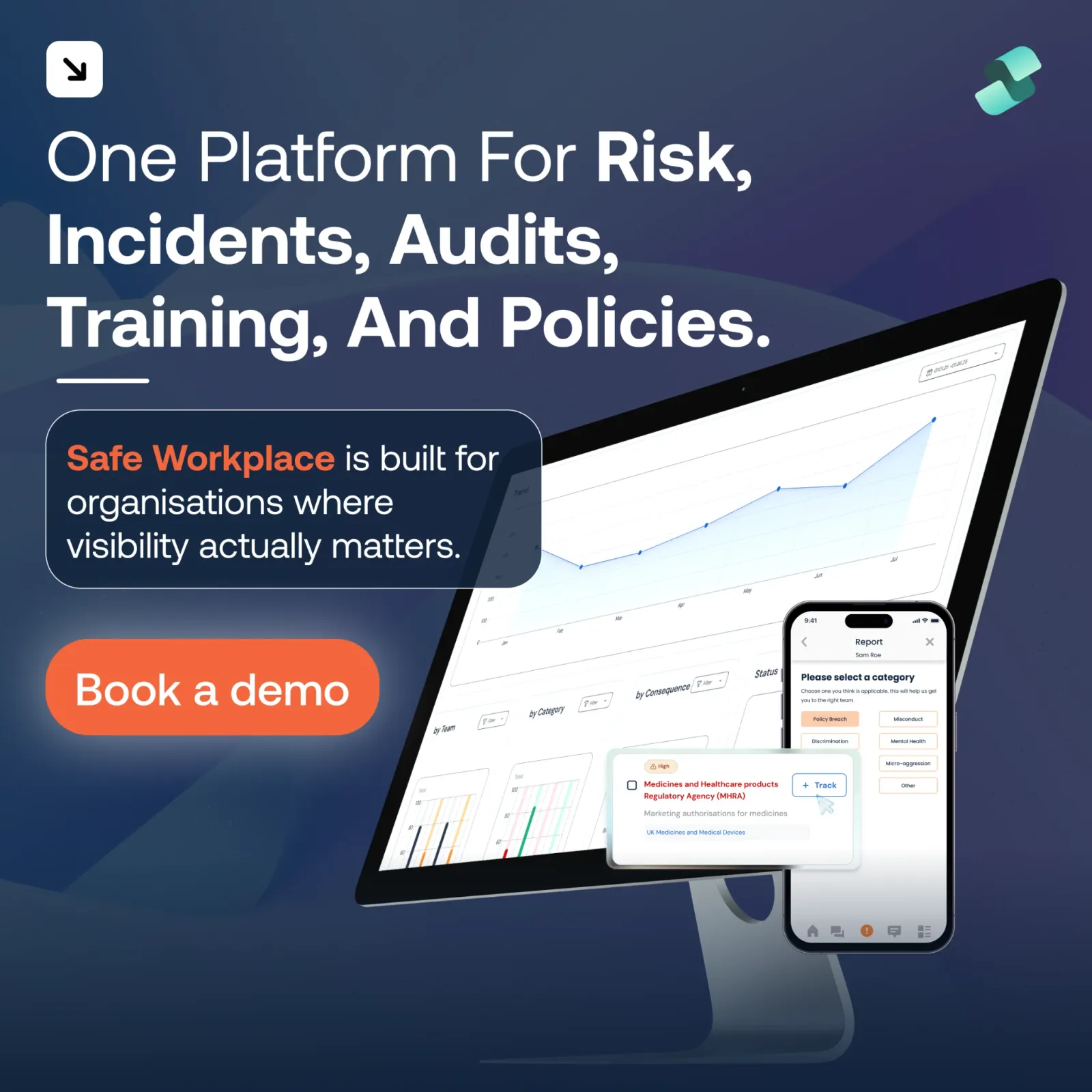
The best incident management software doesn’t just help you respond.
It helps you learn, improve, and lead with confidence.
For organisations operating in regulated, high-risk, or multi-site environments, incident management must be part of a connected governance system — not another silo.
If that’s what you’re looking for, Safe Workplace is worth a closer look.
Book a demo. See how it fits your organisation
Want the underlying model rather than a vendor comparison? See how healthcare incident management actually works.