











How it works
1
Something changes
An incident is updated, a case
gets a new development, a task
becomes overdue, or a deadline is
missed.
2
SafeWork detects it
Our rules engine instantly
identifies who needs to know and
which channel they prefer or what
the workflow requires.
3
Notification sent
The right person gets alerted in
Slack, Teams, WhatsApp, email,
mobile push or browser — with
context and a direct action link.
4
Auto-chased if needed
No response? SafeWork sends a
chaser. Still nothing? It escalates
to their manager. Full audit trail
throughout.
Instant update alerts
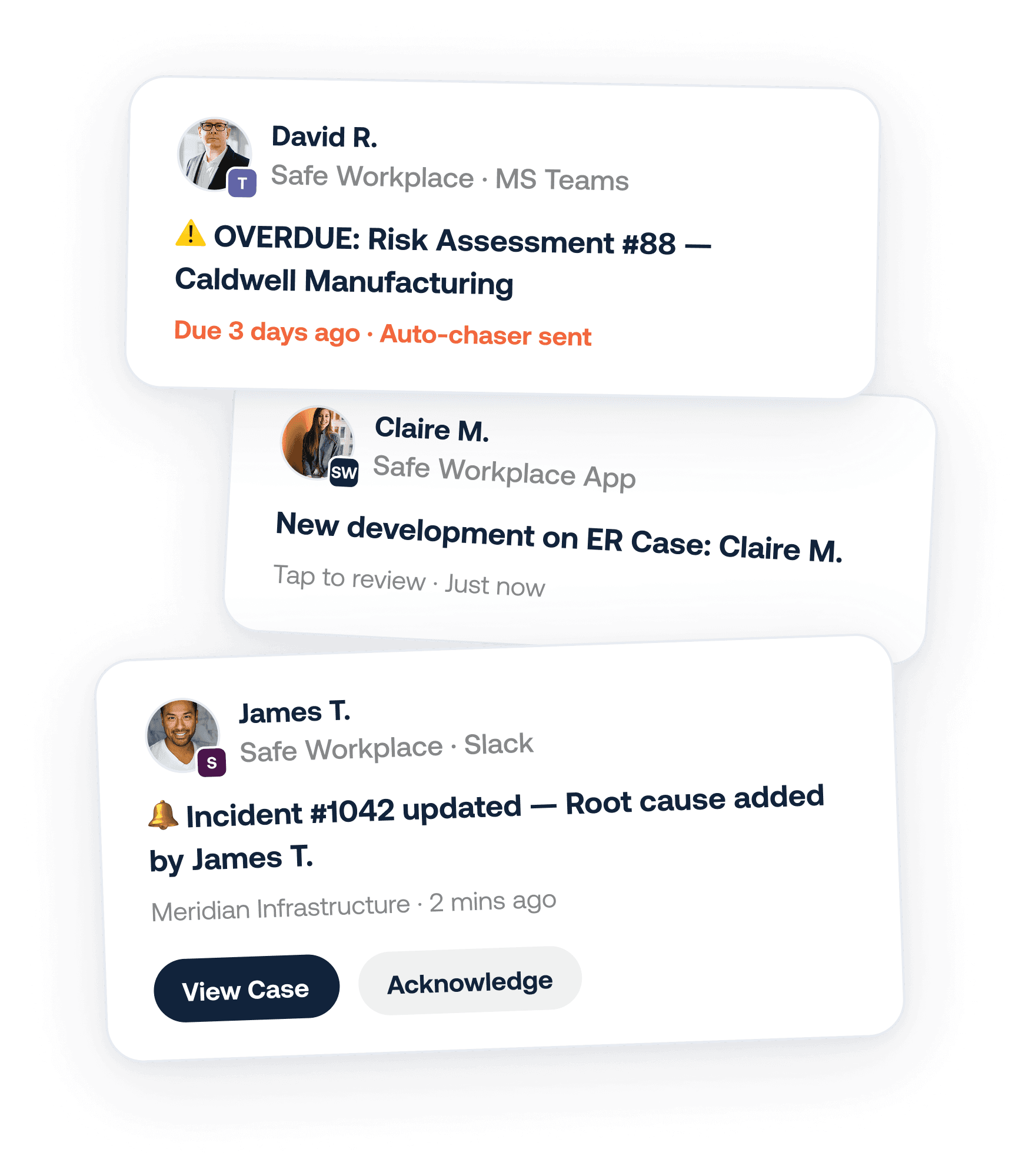
The moment a case, incident or risk record is updated or edited, every assigned stakeholder is notified automatically — wherever they are.
New development notifications
When a new comment, document, or action is added to an ongoing case, the right people are looped in immediately — no manual updates needed.
Overdue & chaser alerts
Tasks approaching their deadline get a gentle reminder. Overdue tasks trigger automatic chasers. No response triggers escalation to the manager.
Channel of choice
Reach your team in Slack, Microsoft Teams, WhatsApp, email, SMS, browser desktop notifications, or the SafeWork mobile app. One workflow, every channel.
Mobile push notifications
The SafeWork mobile app delivers push notifications so field staff, remote workers and managers never miss a critical update — even away from their desk.
Full notification audit trail
Every notification sent, delivered and acknowledged is logged automatically. You'll always know who was told what, and when — audit-ready by default.
Works with your existing tools
S
Slack
T
Microsoft Teams
W
✉
#
SMS
SW
Safe Workplace App
Browser
Channel Integrations
Slack & Microsoft Teams
Rich message cards with inline action buttons
WhatsApp & SMS
For field teams without desktop access
Formatted digests and instant alerts
Browser & mobile push
Works even when SafeWork isn't open
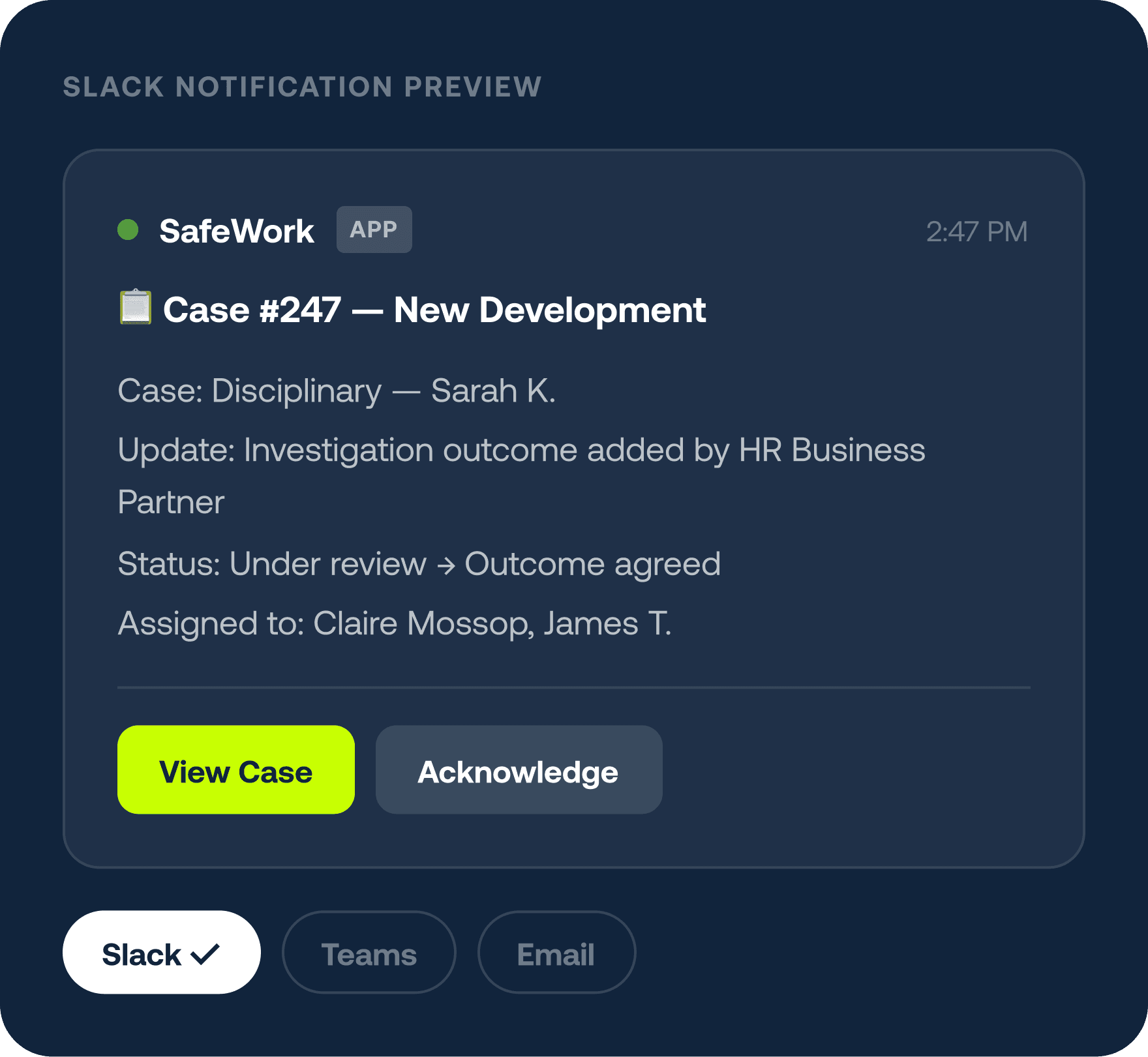
Any meaningful activity in SafeWork can trigger an automated notification — with the
right context, to the right person.
Updates
Record changes
· Incident status updated
· Case reassigned
· Risk level escalated
· Document version changed
Deadlines
Time-based alerts
· Task due in 24 hours
· Action overdue — chaser sent
· Review date approaching
· No response after 48 hrs — escalated
Events
New activity
· New case raised
· Comment or development added
· Audit completed
· Investigation outcome filed
Ready to stop chasing?
Connect your existing tools and let Safe Workplace keep everyone in
the loop automatically.
Request a Demo →
Talk to Sales